
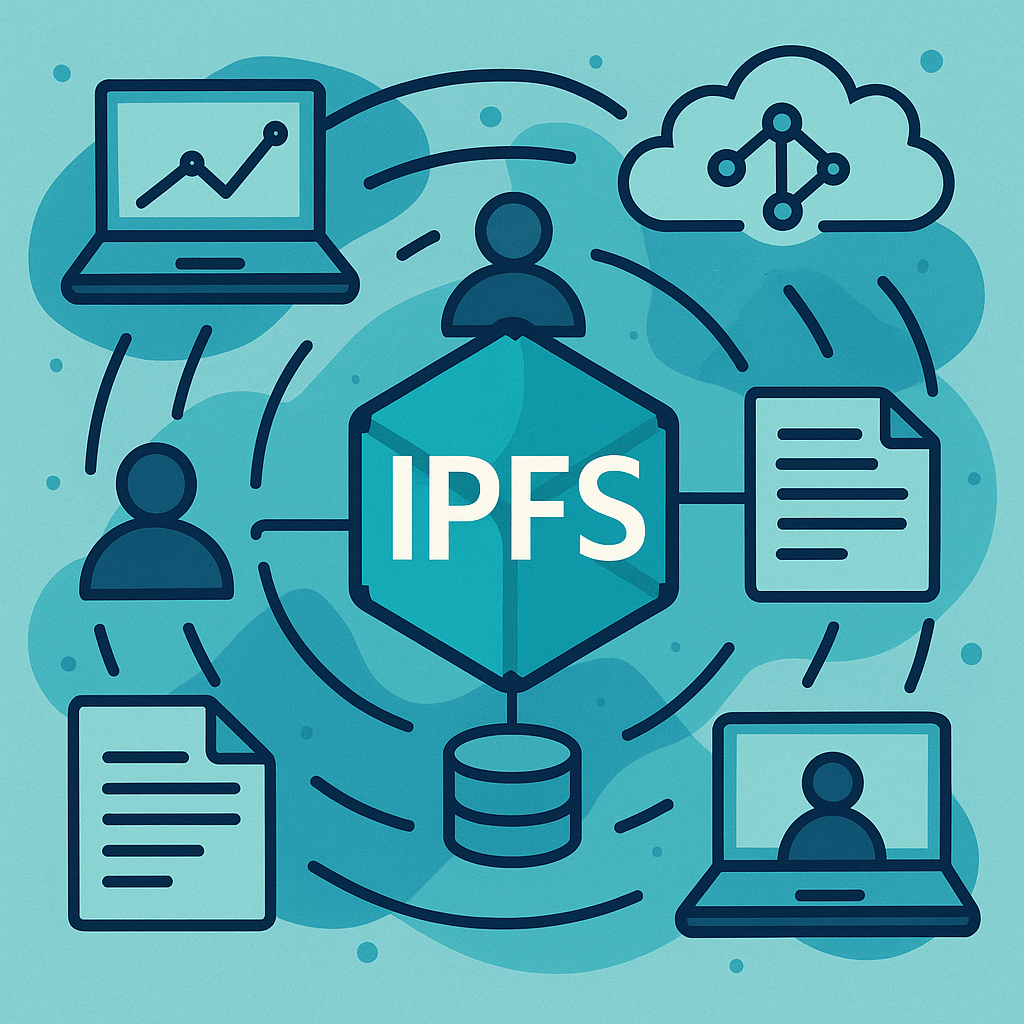
This tutorial guides technically sophisticated Mac users (not necessarily developers) through setting up a fully open-source, non-crypto toolchain for decentralized collaboration using IPFS.
Our goal: share and collaborate on files, documents, and data using distributed technologies without relying on blockchains, tokens, or financial infrastructure.
A. What You’ll Need
- A Mac running macOS 12+
- Terminal basics (e.g.,
brew,cd,open) - Interest in decentralized collaboration
- No blockchain wallets or tokens required
B. Step-by-Step Setup
Step 1: Install IPFS
We’ll use the official desktop app that runs a local IPFS node in the background.brew install --cask ipfs
Then launch the app:open /Applications/IPFS\ Desktop.app
What this gives you:
A local IPFS node, running in the background, that connects to a global, peer-to-peer network.
Step 2: Use the IPFS Web UI
Open the IPFS Web UI:http://127.0.0.1:5001/webui
Here you can:
- Upload and pin files
- See your peers
- Inspect the DHT and network stats
Step 3: Install IPFS Companion for Browsers
Download IPFS Companion for your browser (Firefox or Chromium-based). This enables:
- Seamless loading of IPFS links
- Auto-detection of IPFS files
- Support for
ipfs://andipns://URIs
C. Share Files the Decentralized Way
- Drag any file into the Web UI
- Copy the generated IPFS hash
- Share the link:
Anyone on the IPFS network can fetch your file — no central server required.
D. Make Links Persistent with IPNS
Want to update content without changing the link?
Create your IPNS key:
ipfs key gen --type=rsa myname
Publish a file under your name:
ipfs add mydoc.txt ipfs name publish --key=myname /ipfs/<your-file-hash>
Now share:https://ipfs.io/ipns/<your-key-hash>
When you update
mydoc.txt, just publish again to the same IPNS name.
E. Real-Time Collaboration (Optional Tools)
1. Live Chat or Notifications: OrbitDB + PubSub
Install OrbitDB dependencies:npm install -g ipfs orbit-db-cli
Then create a simple feed:orbitdb create feed my-chat
Publish a message:orbitdb add my-chat "Hello from Ernie!"
All content is signed with your local cryptographic key — but again, no financial tokens involved.
2. Collaborative Documents with Hypermerge (Advanced)
Hypermerge lets you collaborate on documents using CRDTs and IPFS.
- Requires Node.js
- Works best with apps like PushPin
Try:brew install node npm install -g hypermerge
Explore the PushPin app for a GUI-based editor.
F. Version-Controlled Repos over IPFS
Use IPFS Git to collaborate without GitHub:git remote add ipfs /ipfs/<repo-hash>
Or explore Radicle for a peer-to-peer GitHub alternative.
G. Optional: End-to-End Encrypted Storage with Peergos
If you want Google Drive–like secure storage over IPFS:
- Install Peergos Desktop (download)
- Create a local user (no wallet needed)
- Share files privately with end-to-end encryption
H. Putting It All Together
Here’s how you might use this in practice:
- Share project files over IPFS from the Web UI
- Link collaborators to a persistent IPNS name
- Use OrbitDB to post updates or to-do lists
- Track changes using IPFS Git or Radicle
- Optionally edit documents together with PushPin (Hypermerge)
I. What This Stack Avoids
- No cryptocurrency
- No tokens, wallets, or smart contracts
- No platform lock-in
 iHack, therefore iBlog
Leave a comment